Sound Familiar?
'But It Works on My Machine'

Every .NET developer shipping apps to production deals with exhausting, time-consuming realities that kill their productivity and make even simple deployments risky and unpredictable.

"It works on my machine" but fails in production due to environment differences
Bloated images that take forever to build, push, and pull
Hours spent fighting cryptic Docker commands instead of coding
Azure bills that hurt because apps run 24/7 with zero users
App crashes in production and stays down until manual restart
Here's how the pros avoid all these daily nightmares from day 1...

From Code to Cloud 5X Faster

Docker Containers
Docker Compose
Azure Container Registry
Container Registry
Azure Container Apps
Health Checks
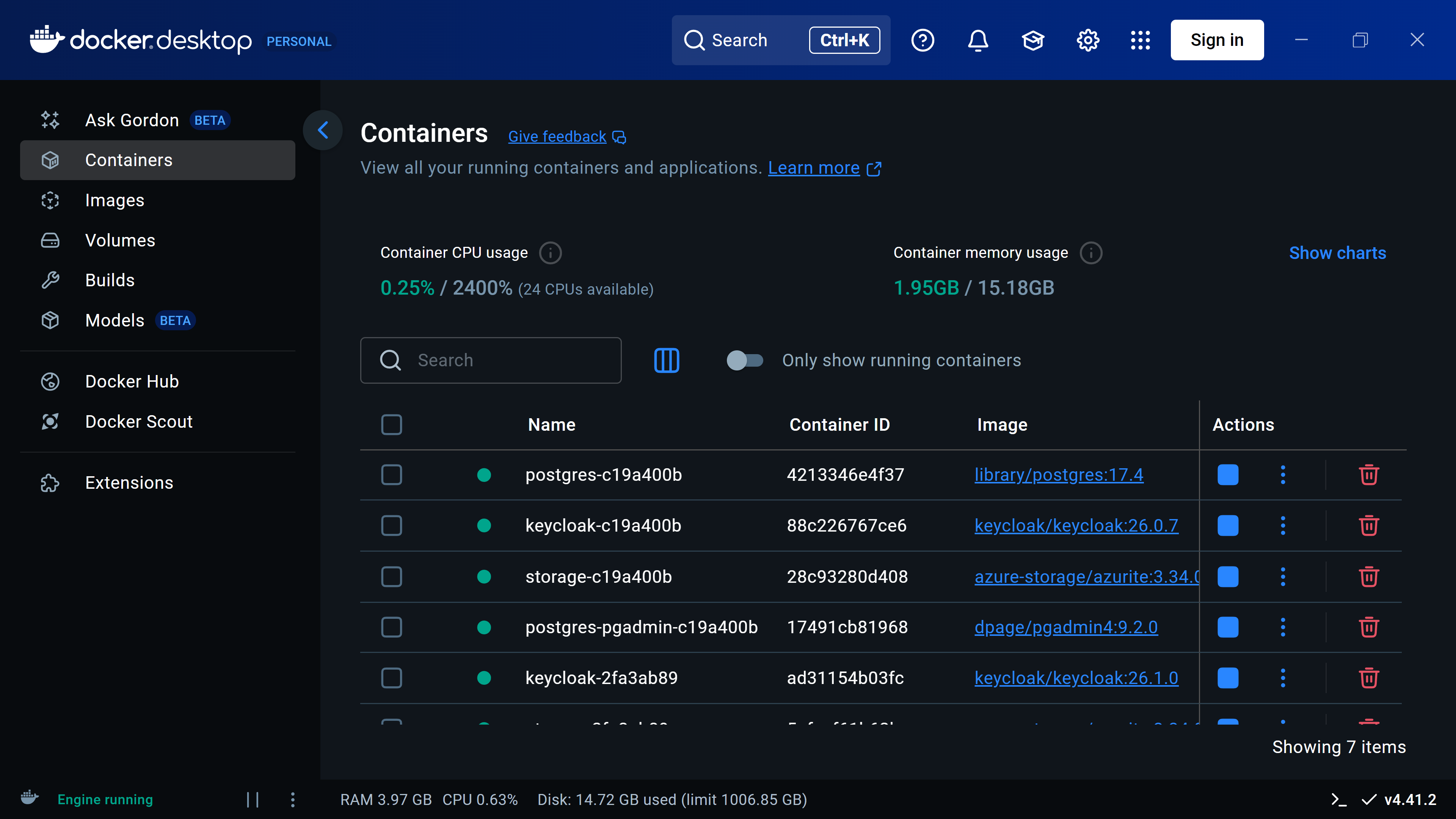
Docker Desktop

Transform .NET Apps Into Bulletproof Containers

  • Finally understand what containers actually are and why you need them
  • Build, run, and test your .NET apps as containers, ready to publish to the cloud
  • Build container images 45% smaller using optimizations and best practices
  • Use modern .NET tooling to skip complex Docker commands and avoid typical errors
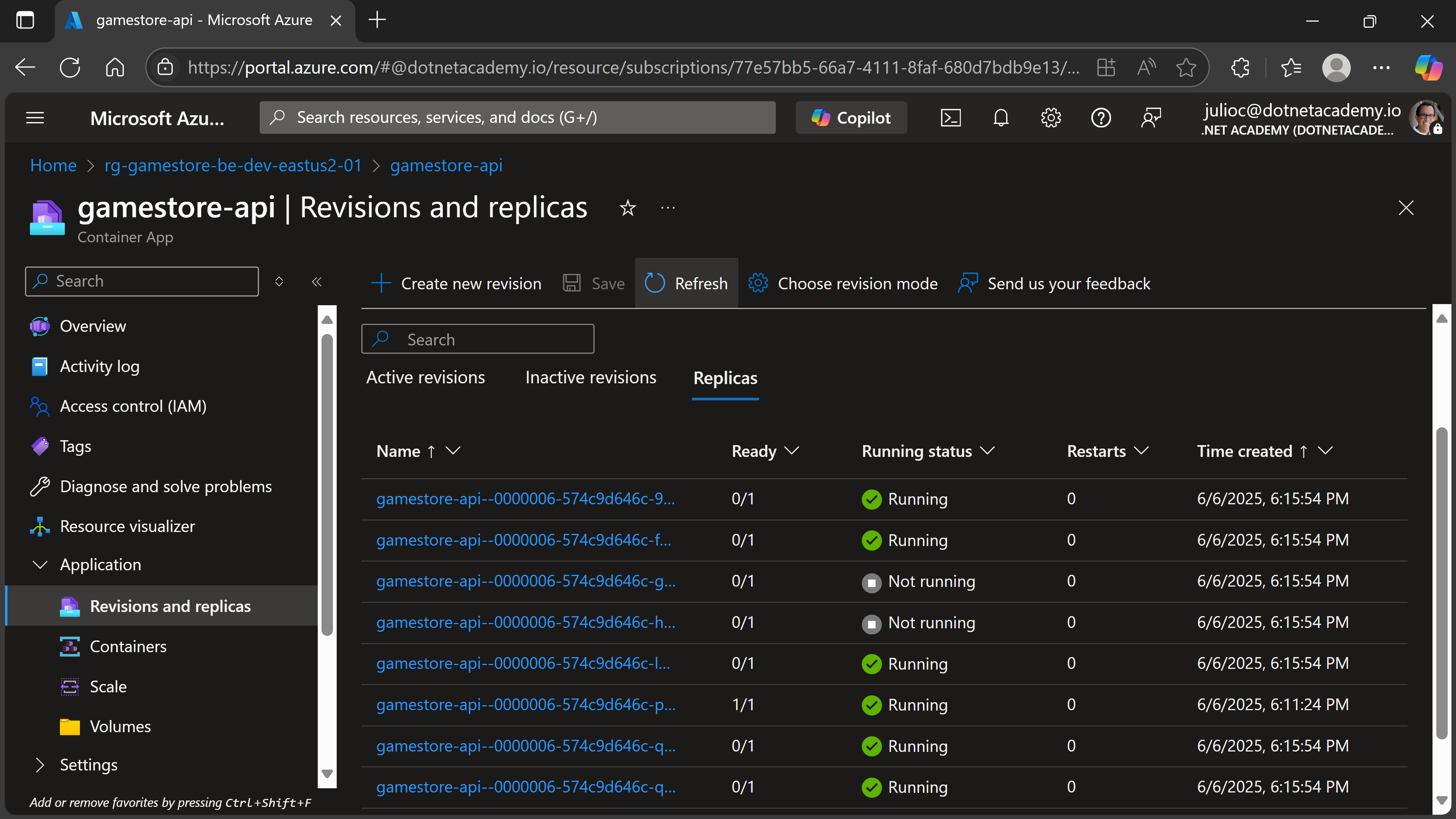
Azure Container Apps

Production Containers Made Simple with Container Apps

  • Deploy production containers without becoming a Kubernetes expert
  • Pay $0 when nobody's using your app with automatic scale-to-zero
  • Sleep better with auto-scaling that handles traffic spikes
  • Rollback disasters in 30 seconds with revision management
Health Checks

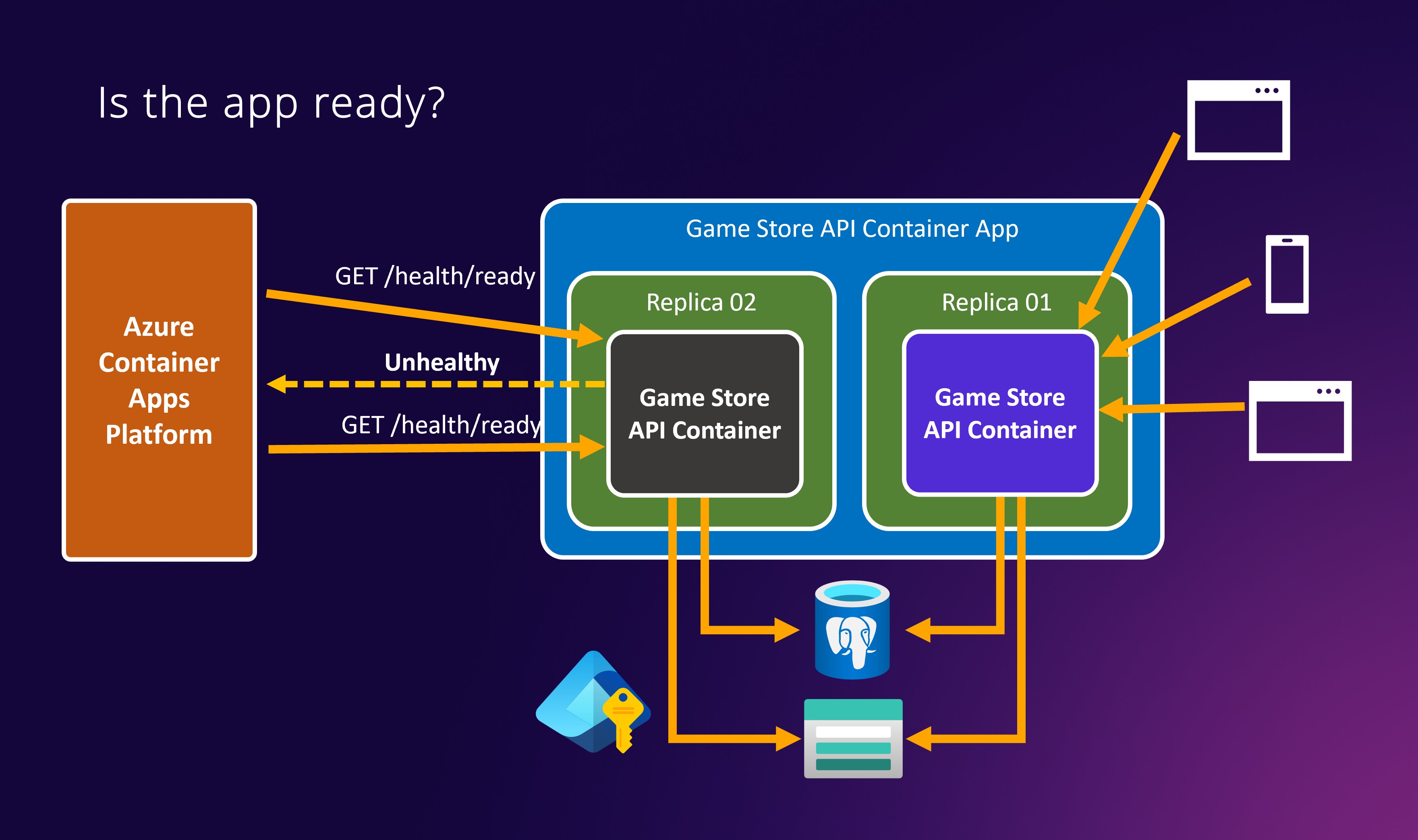
Build Self-Healing APIs

  • Automatic Recovery from Failures: Azure restarts your containers automatically when health checks fail - no more midnight calls to manually restart crashed APIs.
  • Monitor Your Entire Stack: Health checks verify your database, storage, external APIs, and every dependency - complete visibility into what's working.
  • Prevent Bad Deployments: New container versions won't receive traffic until they pass health checks, protecting your users from broken releases.

What You Get With Your Purchase

alternative
alternative
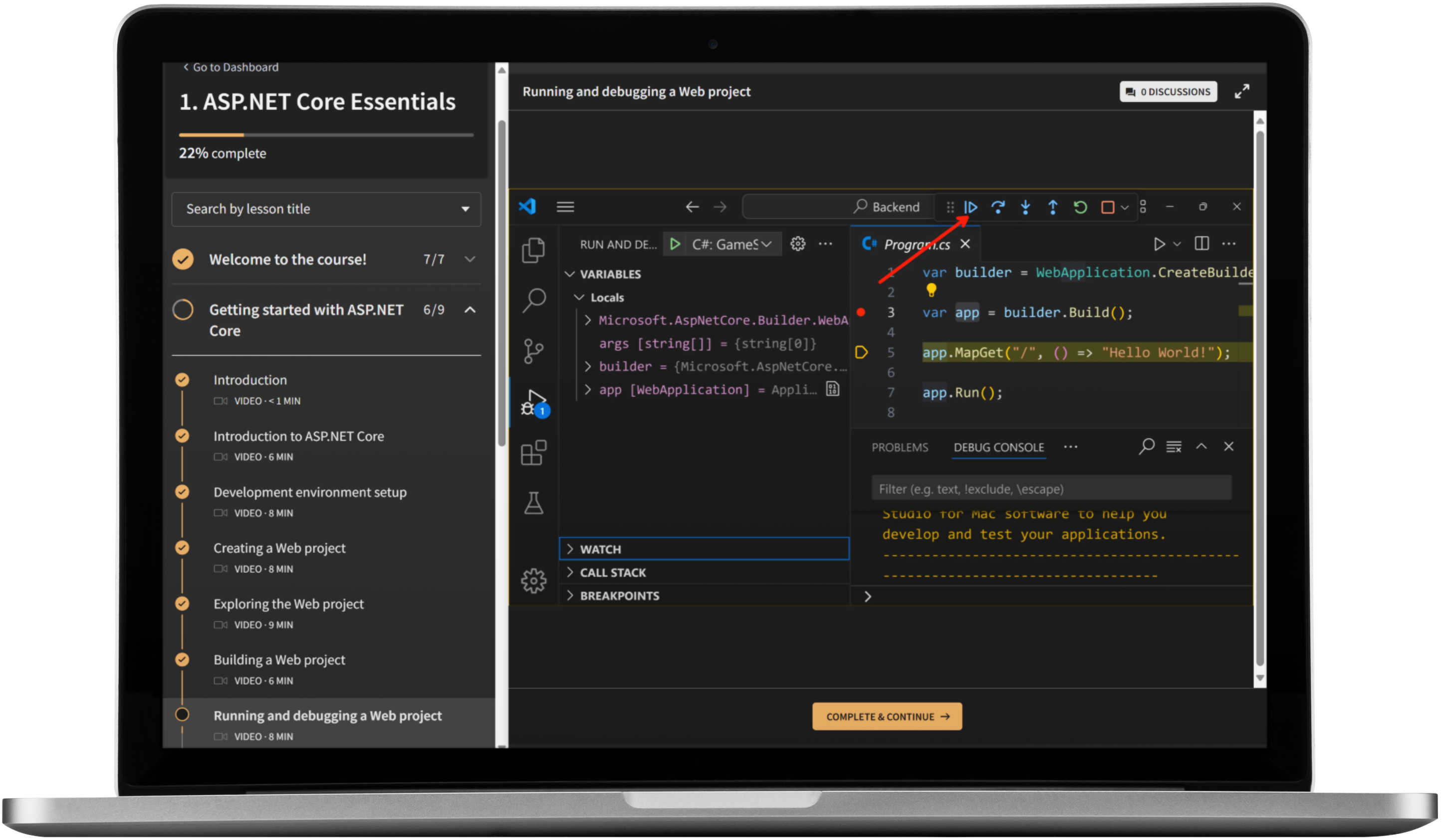
Signature Online Video Training

Professionally recorded high-quality video training that you can take at your own pace, anywhere and from any device.

Beautifully Illustrated Handouts

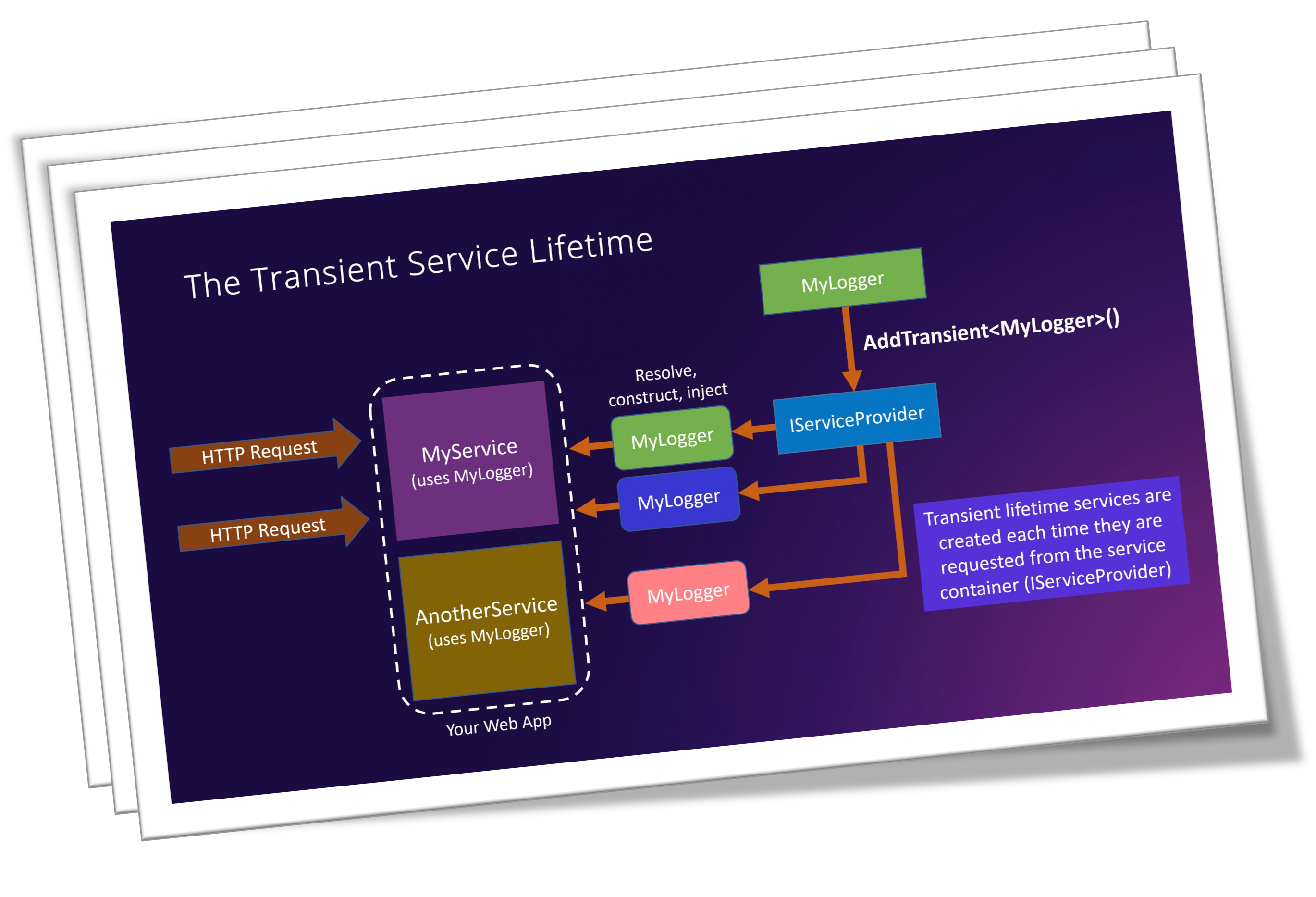
Includes all diagrams from every slide deck presented across the course, so you can reference them at any time.

Full Source Code

Full source code linked to every coding lesson so you can easily compare and troubleshoot.

Full English captions

In case you need them, English captions can be turned on quickly for any of the lessons.

certificate
Course Certificate

Get a certificate of completion when you finish the course to show off on your LinkedIn profile.

Course Curriculum

Welcome to the course! 4min
  • Course introduction
  • What this course covers
  • What you need to know first
  • Software prerequisites
Docker fundamentals 25min
  • Why containers?
  • Docker Desktop architecture
  • Images vs containers
  • Docker tags
  • Port mapping
  • Docker volumes
  • Docker compose
Creating container images with Dockerfiles 58min
  • How a container image is created
  • Preparing the app for containerization
  • Writing a Dockerfile
  • Building a container image
  • Running a container
  • Talking to container from Postman
  • Multi-stage builds
  • Image versioning
Creating container images with .NET 26min
  • How to create images with the .NET SDK
  • Using dotnet publish to create images
  • Configuring container image properties
  • Making smaller container images
Publishing to Azure Container Registry 20min
  • Introduction to Azure Container Registry (ACR)
  • Creating an Azure Container Registry
  • Publishing to an ACR via Docker
  • Publishing to an ACR via the .NET CLI
Azure Container Apps 1hr 8min
  • What is Azure Container Apps?
  • Creating an Azure Container Apps Environment
  • Granting managed identity access to ACR
  • Creating a Container App
  • Configuring environment variables
  • Fixing data protection issues
  • Enable Ingress
  • Testing the API backend in Azure Container Apps
  • Creating new revisions
  • Scaling a Container App
Health checks 44min
  • The need for health checks
  • Implementing a basic health check
  • Adding a database health check
  • Adding a Storage health check
  • Separating liveness and readiness checks
  • Configuring health probes in Azure Container Apps
  • Restricting health endpoints
Docker for .NET Developers

Course Includes

  • 7 Modules, 44 Lessons
  • 4 Hours of Video
  • Full source code
  • Illustrated handouts
  • Course Certificate

Who Is This Course For?

  • .NET developers who want to stop fighting "works on my machine" and learn to package their apps as portable Docker containers.
  • Backend developers ready to publish images to Azure Container Registry and run them on Azure Container Apps, without becoming a Kubernetes expert.
  • Engineers who want production-ready container practices: smaller images, multi-stage builds, health checks, and self-healing deployments.

What Students Say About Julio's Courses

Unlock Docker for .NET Developers Today!

00
Days
00
Hours
00
Minutes
00
Seconds
DOCKER FOR .NET DEVELOPERS
$127
Lifetime Access
$
$127OFF
Lifetime Access
alternative

Meet Your Instructor

alternative

My name is Julio Casal. I'm a passionate software engineer with a wealth of experience building all sorts of applications and systems based on the .NET platform.

Throughout my 10+ years working at Microsoft, I had the opportunity to work on real-world projects, building and refining backend services that handle millions of requests every month.

I believe reducing complex concepts into simple step by step instructions is incredibly valuable and helps to make coding accessible and fun for everyone.
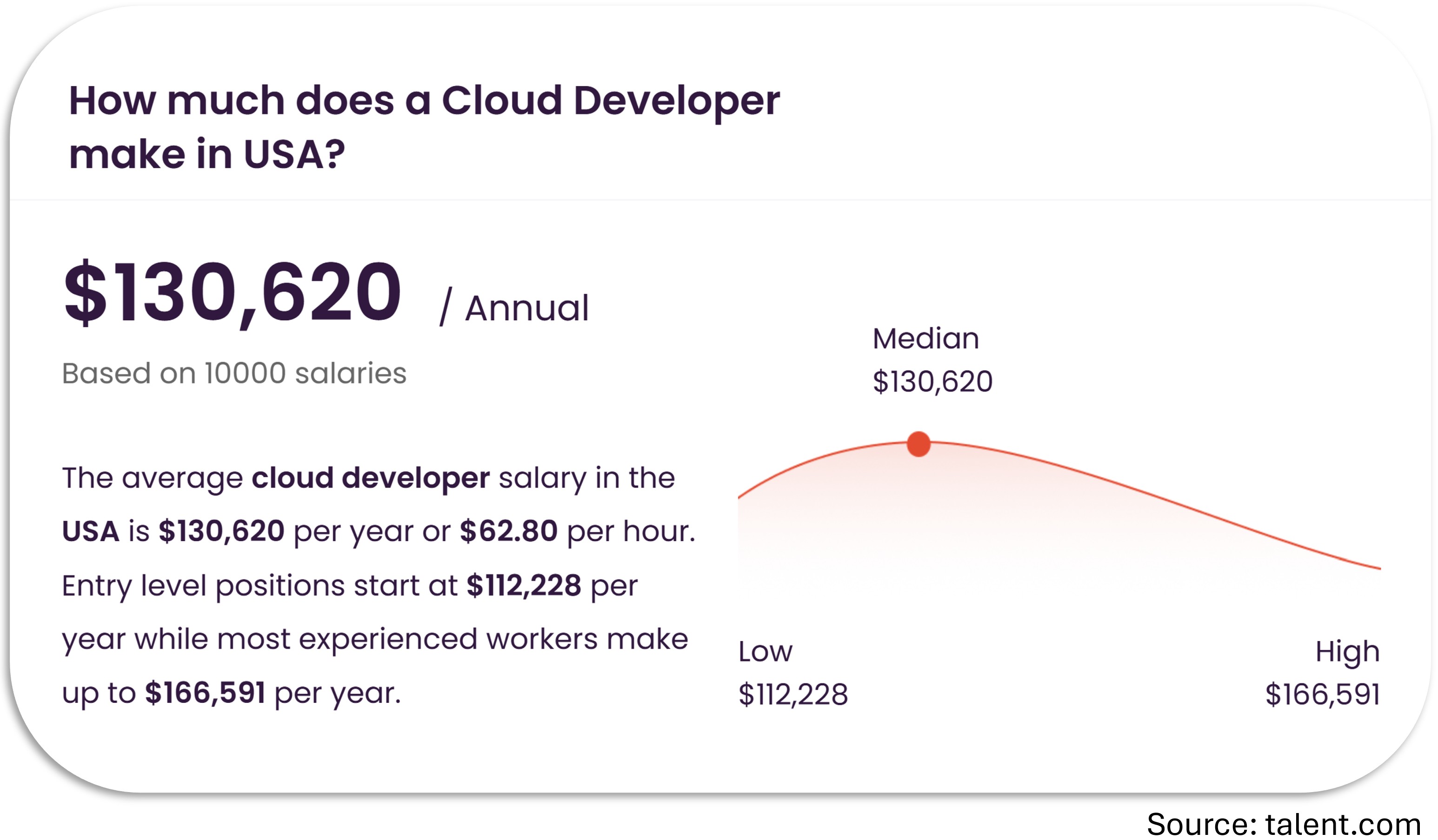
Start your path to a high-paying job

alternative

FAQs

When does the course start and finish?

Docker for .NET Developers is a completely self-paced online course. You decide when you start and when you finish.

What version of .NET is used in this course?

.NET 10.

Do you offer a certification on course completion?

Yes, you will get a certificate at no additional cost after completing all the course lessons.

How long will I have access to the content?

Your enrollment includes unlimited lifetime access.

I have more questions!

Happy to help! Send me an email: [email protected]